Management System Application Tool (MSAT)

Release Notes 25.12

Key Enhancements

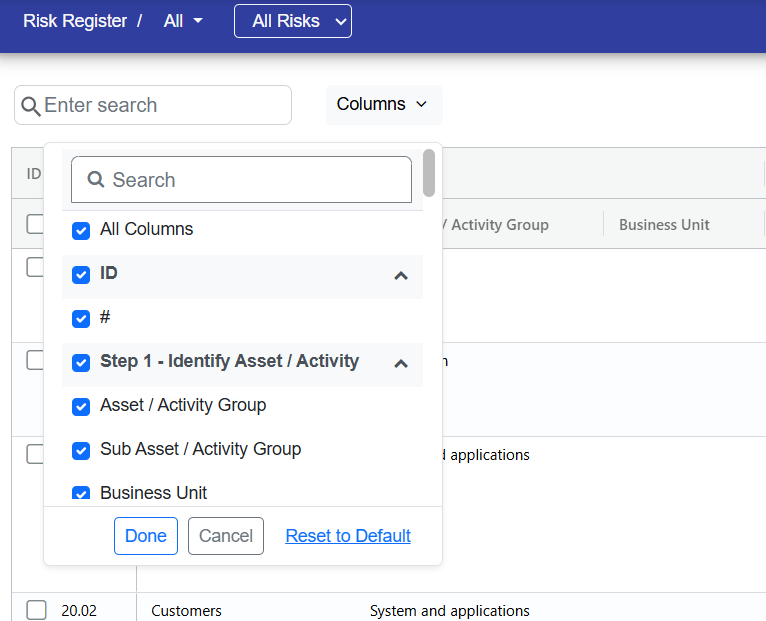
Enhanced Register Layout
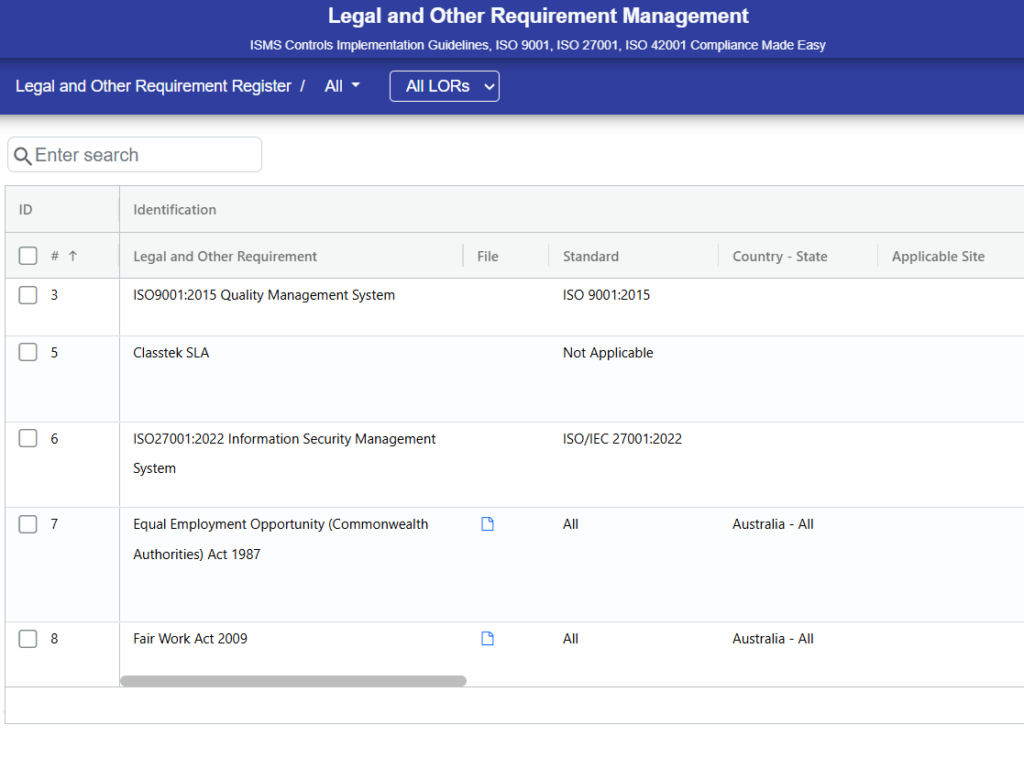
LORFilePic

The File column is kept separate from Legislation so you can easily view and access uploaded files.

AI terms and condition added

AI Terms and Conditions have been introduced to provide transparency around the use of AI features, including data usage, limitations, and user responsibilities.

Release Notes 25.10

Key Enhancements

Up to 5 Risk Suggestions Available
RiskAI

The system now suggests up to 5 potential risks automatically to assist users in identifying and managing risks more effectively.

Release Notes 25.09

Key Enhancements

AI-Powered Risk Creation
RiskAI

Introduced an AI-driven risk creation feature that assists users in generating risk descriptions, threats, vulnerabilities, and opportunities automatically. This helps streamline the risk identification process and reduces manual effort.

Release Notes 25.08

Key Enhancements

ISO/IEC 42001:2023 Now Available

The new standard ISO/IEC 42001:2023 has been added, allowing you to align your processes and risk management practices with the latest guidelines.

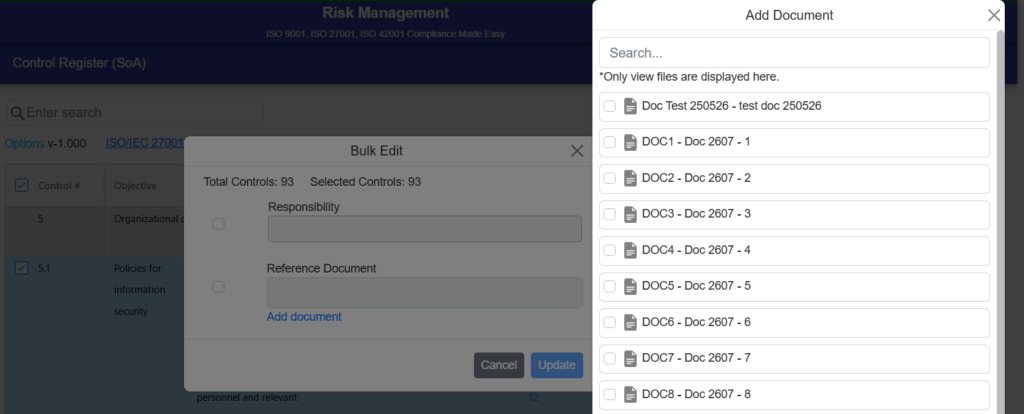
Automatic Document Linkage in Control Register

The Control Register now supports automatic document linkage and data clean-up. Using Document and Control Linking in Register under Risk Management settings, all reference documents are automatically linked to their associated controls for improved accuracy and management.

Mobile-Friendly List View Actions
RiskRegisterActions

All actions on the register screen, including Add, Bulk Edit, and Export, are now accessible via the 3-dot menu in both Risk Management and LOR Management.

Consistent Card-Based UI in Mobile View
RegisterCardsUI

The mobile view now displays information in easy-to-read cards across all modules, making navigation simpler and more intuitive. This update applies to Asset Management, Document Management, Problem Management, Supplier Management, and Training Management (Course and Batch registers).

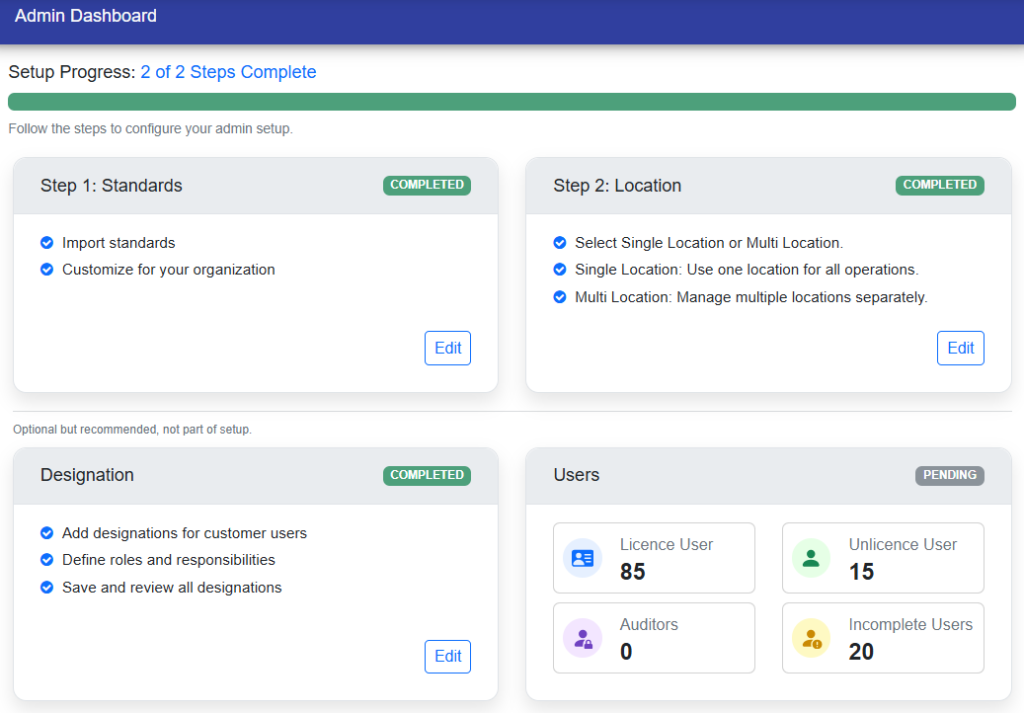
Guided Steps to Complete Risk Module Setup
RiskSettings

Easily complete your Risk Module setup with step-by-step guidance, ensuring all configurations are properly finalized.

Release Notes 25.07

Key Enhancements

Payment & Subscription Updates
Subscription

Customers can view pending dues under the “About” menu of their associated user. If there are no dues, the active subscription period is shown; otherwise, “Online/Offline” payment links and a “Download Invoice” option are available. Unpaid dues trigger notifications to the “Account Admin” and reminder emails on subscription expiry.

Release Notes 25.06

Key Enhancements

Revised Terminology
LOR Labels Renamed

In the LOR Dashboard, Register, and Edit pages, “Assessment” is now “Initial Assessment” and “Review” is now “Periodic Review”.

New Filters and Fields in LOR Register
LOR Register

“Standard” and “Country-State” fields have been added to the LOR Register page enhance filtering, editing, and import. “LOR Register” filter have also been refined for better clarity and consistency.

Simplified OFI Linking
OFI Linking Buttons

OFI linking in the “LOR Management” module is now simplified with two new options: “Link Existing OFI” and “Initiate New OFI”. “Link Existing OFI” displays existing OFIs with a “Link” option to connect them to the LOR, while “Initiate New OFI” instantly creates and links a new OFI. Users can also manually link an OFI using the “Add” button.

Release Notes 25.05

Key Enhancements

Duplicate Document Validation
DuplicateDocumentData

In the “Document Management” module, a validation error occurs if the same “Doc ID” and “Document Title” already exist when creating a new document, to prevent duplication.

File Name Mismatch Confirmation

During file upload in the “Document Management” module, a confirmation popup appears if the “Doc ID” or “Revision Number” doesn’t match the file name. No popup appears if both match.

Add a Document: Internal or External
AddDocumentFunc

In the “Document Management” module, clicking the “Add” button displays two options—”Internal” and “External”. Select the desired option to create a new document.

Release Notes 25.04

Key Enhancements

Enhanced Location Dropdown Option
AllLocation

A new “All” option has been added to the location dropdown. When multiple locations are enabled, users can either select individual locations or choose the “All” option to include all available locations in a single selection. Selecting “All” will disable other locations, making them unavailable for selection. This functionality is available across all modules.

LOR Enhancements
LORUIModification

Enhancements have been made to the “LOR” field, renaming it to “Legal and Other Requirement.” Additionally, the “Review Frequency” field names have been updated from “#” and “Unit” to “Interval” and “Period” for improved readability. Overall, the user interface has been refined for consistency and ease of use.

New Action Buttons Added

The “Inactive,” “Undo,” and “Delete” buttons have been added to the “Training Management” module for consistency with other modules. 

User Role Toggle Enhancement
UserRoleToggle

Separate user role toggles have been introduced in the ‘System User’ section. Admins can now seamlessly switch between ‘Module User’ and ‘General User’ roles with a single click, simplifying role management by eliminating the need to configure roles individually for each module.

Release Notes 25.03

Key Enhancements

Team Members Auto-Removal on Conversion
RecordConversion
“Team Members” are automatically removed from the team member list when a record is converted between “Confidential” and “Restricted”. This feature applies only to “Record Management”.
Inactivation of Users with References
AdminUsers

In “Admin” when inactivating a user with references in multiple modules, a dialog box shows the list of modules. The admin can notify specific module managers or click the “Notify All Managers” button to inform all relevant managers simultaneously.

Tracking not Verified Closed Action Items

In the “Problem Management” module, when a user opens the detail page of an open OFI, they are redirected to either the “Containment or Corrective Action Items” page, depending on which one is marked as not “Verified Closed”. If both are not “Verified Closed”, the user is directed to the “Containment Action Items” page.

Widget Colour Modification
WidgetColors

The “Dashboard” widget colours have been subtly lightened to enhance visual appeal and provide a more refined experience. 

Formatted Excel Report

The data in the “Excel Report” is now formatted for better readability. Columns are more structured, text is wrapped, widths are adjusted, and borders have been added. This enhancement applies to “Legal and Other Requirement Management”and “Risk Management”.

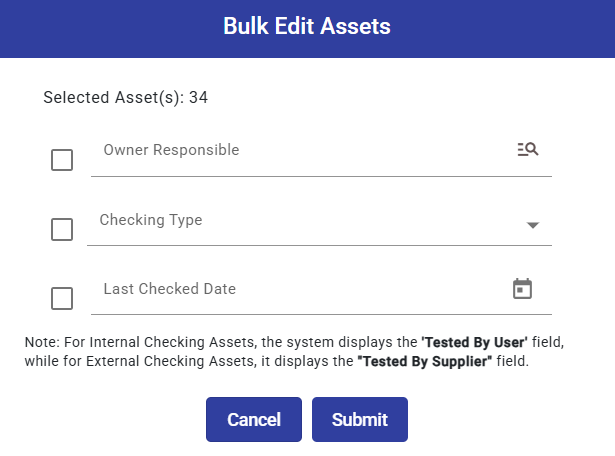
Inactive and Bulk Edit Operations

Users can “Inactivate” or “Bulk Edit” their own records from both the register and detail views. If a user selects the records of other users from the register view for the “Inactivate” or “Bulk Edit” operation, an alert will prompt them to review their selections. This feature is available in “Asset Management”, “Document Management”, “Problem Management”, and “Supplier Management”.